
Need to move your online store to Shopify? Forget about the manual, time-consuming processes!
Is your business facing a landmark decision to move your online store to Shopify? The process of migrating products, data, and information from one shop system – or another Shopify solution – can seem daunting. The thought of manually restoring thousands of products with correct descriptions, stock status, SKUs, and barcodes is a grueling and inefficient task.
Fortunately, it doesn’t have to be a race against time. There are effective alternatives to manual and slow data handling.
Shopify CSV vs Matrixify: Which Should You Choose?
Shopify offers its own built-in module where you can import a simple CSV file. For new products, only the ‘Title’ and ‘Handle’ columns are mandatory, but a CSV file can quickly become complex, especially when dealing with variants where multiple columns depend on each other (for example, when updating Variant SKU or Variant Grams).
Matrixify takes product import and updating to a new level. Instead of complicated CSV files, Matrixify uses plain Excel sheets to handle the migration.
Matrixify is an app that allows you to load and update a wealth of data – including products, customers, orders, collections, discounts, meta fields, and more – from your previous ecommerce platform directly into your new Shopify solution.
Synergy with OpenDIMS: The Strong Integration
For companies that use OpenDIMS (a central system for managing data), there is a unique and time-saving solution:
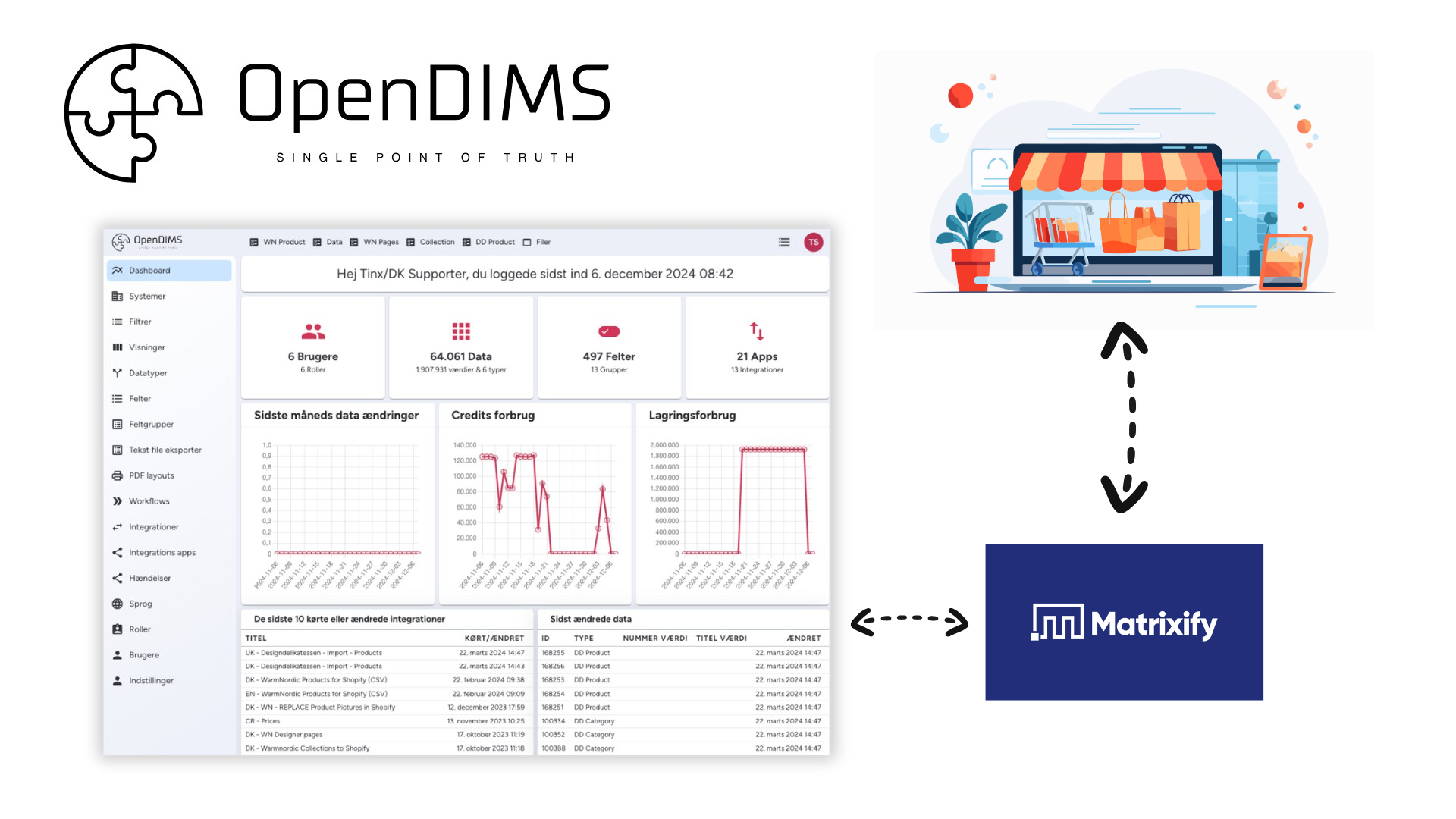
OpenDIMS offers a direct integration to Shopify via Matrixify. This integration automates the data transfer, ensures consistency, and enables you to migrate data from your ERP or PIM system (where OpenDIMS often acts as a link) to Shopify with Matrixify’s powerful Excel structure. This eliminates the need for manual data export and formatting between systems.
The 10 Biggest Differences: Matrixify Gives You Full Control
Although both Shopify CSV and Matrixify aim to move data, their functionality is vastly different:
| Function | Shopify CSV | Matrixify (Excel) | Advantage |
| File format | Requires CSV files | Uses standard Excel files | Easier data management in a familiar format. |
| Process control | You will simply get an email when the file is loaded. | You can follow the process live, see errors and estimated loading time. | Full transparency and fast troubleshooting. |
| Selective imports | Export always includes all products and fields. | You can choose to upload specific columns on selected products. | Saves time for targeted updates. |
| Metafields | Can’t load metafields as a column. | Can load, edit, and update metafields directly in Excel. | Essential for modern, flexible Shopify setups. |
| Inventory | Limited functionality for multiple locations. | Supports importing inventory value to multiple locations. | Perfect for larger businesses with multiple storage points. |
| Disclosure | Default settings. | Choose precise channels: Web, POS or both. | Tailored sales channel management. |
| File size/capacity | Limit of 15MB (approx. 10,000 products). | Can handle +600,000 products in a 2GB file. | Unlimited scaling. |
| Image management | Copy rows for each additional image. | All image URLs in one row separated by semicolons. | Faster and cleaner data. |
| Variant generation | Standard import. | Can generate variants via combinations and setups. | Efficient creation of complex variants. |
Make the complicated work easy
Matrixify provides unique, step-by-step guides on how to convert data from the most widely used ecommerce platforms. In addition to the manual wizards, integrations like the one with OpenDIMS ensure a lightning-fast process.
When you move your webshop from one platform to another, the process can quickly become both technically demanding and time-consuming. There are many details that need to be handled correctly – from product assortment and customer data to order summaries and inventory management. Even small mistakes in the migration can cause major problems in operations afterwards. Therefore, it is important to choose a tool that can handle the entire process safely and structured.
Matrixify has been developed with this very purpose: to make the transition to Shopify as smooth as possible. The platform understands that each webshop solution has its own data models, its own ways of building product information, and unique formats for exporting and importing. This means that a standard solution will never be enough if the result is to be accurate.
To make it easier, Matrixify has developed detailed guides for each platform to migrate from. They explain step-by-step how to prepare your existing online store, what files to use, and how to structure data so that Shopify can read it correctly. This way, you can avoid the most common pitfalls and ensure that your new Shopify store is ready to go without any unpleasant surprises.
- Magento
- Lightspeed
- BigCommerce
- WordPress/WooCommerce
Whether you choose to handle the migration yourself, use a direct integration, or enlist the help of your Shopify developer, Matrixify’s structured approach guarantees that you’ll save both time and money that would otherwise go into manual processes. Matrixify paves the way for a seamless transition to your new Shopify platform.
Read more about Matrixify and migrating to Shopify here.
Once you have converted your webshop to Shopify, you can use OpenDIMS and the direct Matrixify integration.

